The client portal, step by step.
The portal is the Mailack client's self-service: usage, API keys, messages with their evidence and billing, without opening a ticket. This guide walks through every screen.
- 01onboarding & first login
Assisted onboarding
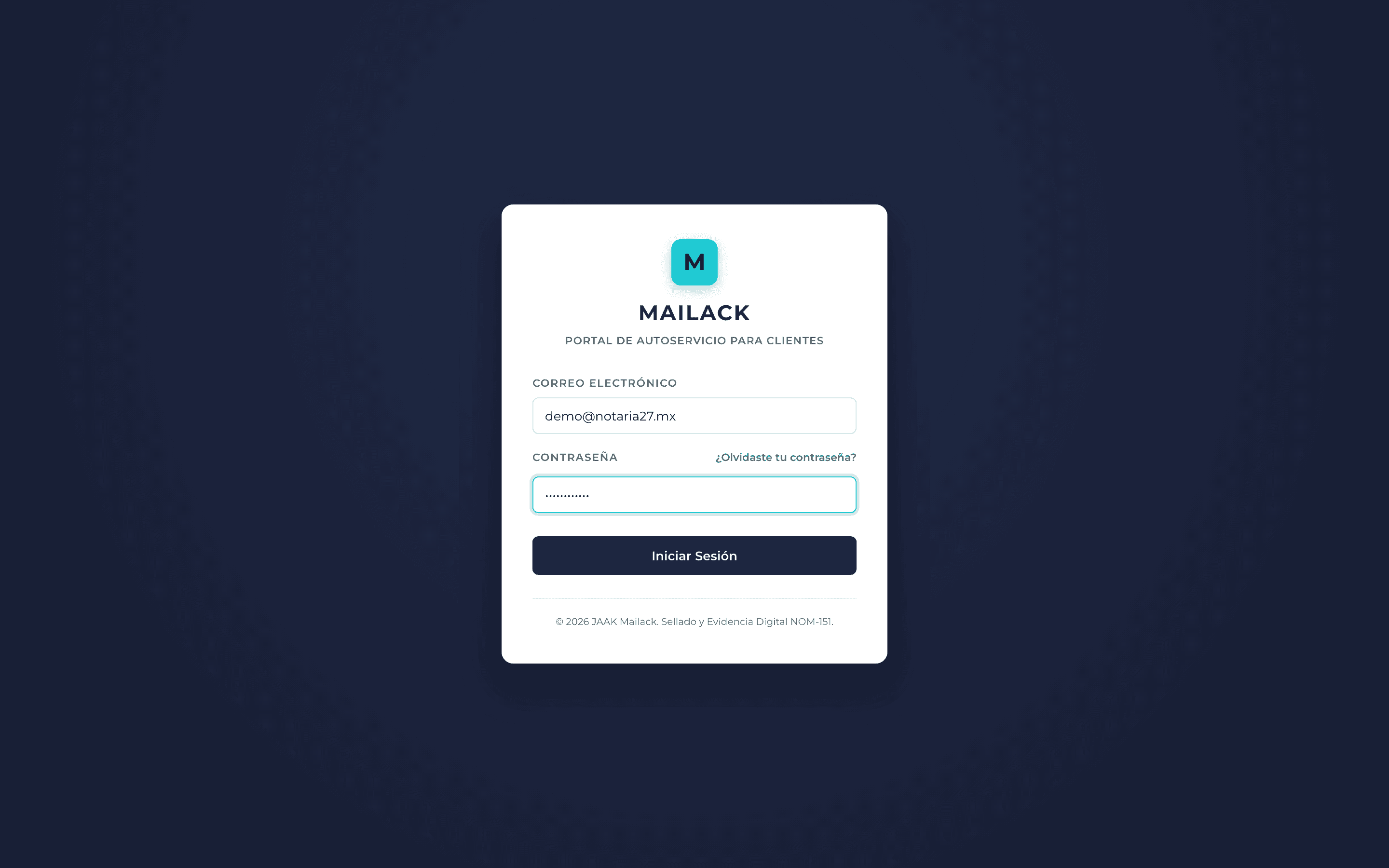
Access is requested through the site's contact form. You receive a user with a temporary password that you must change on first login; until then the portal won't let you continue.
The temporary password expires: if you don't log in on time, request a new one from the recovery link.
- 02dashboard
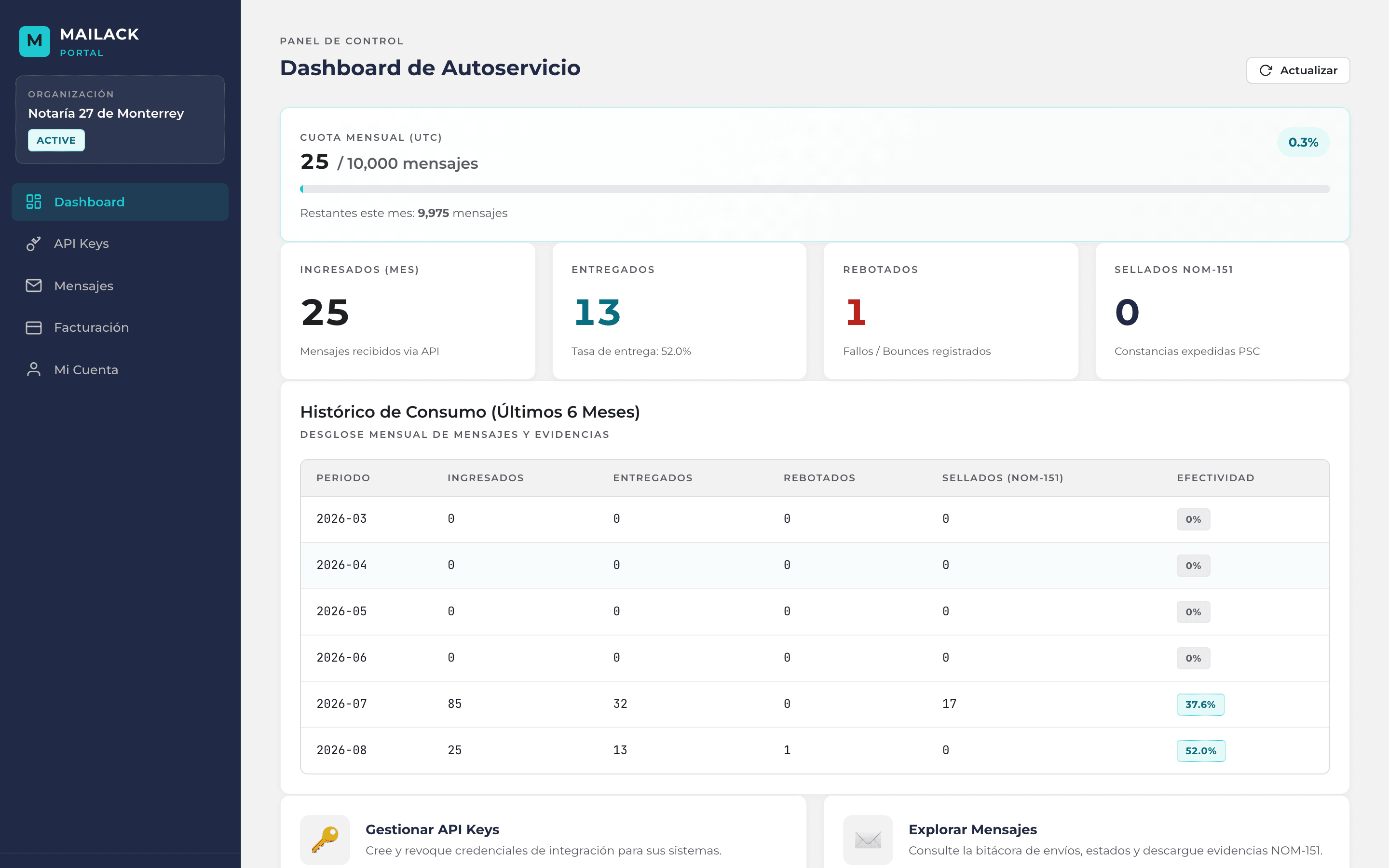
This month's usage at a glance
The dashboard shows the current month's usage against your contracted quota: how many messages you have sent, how much headroom remains and how usage evolves day by day.
- 03api keys
Self-service API keys
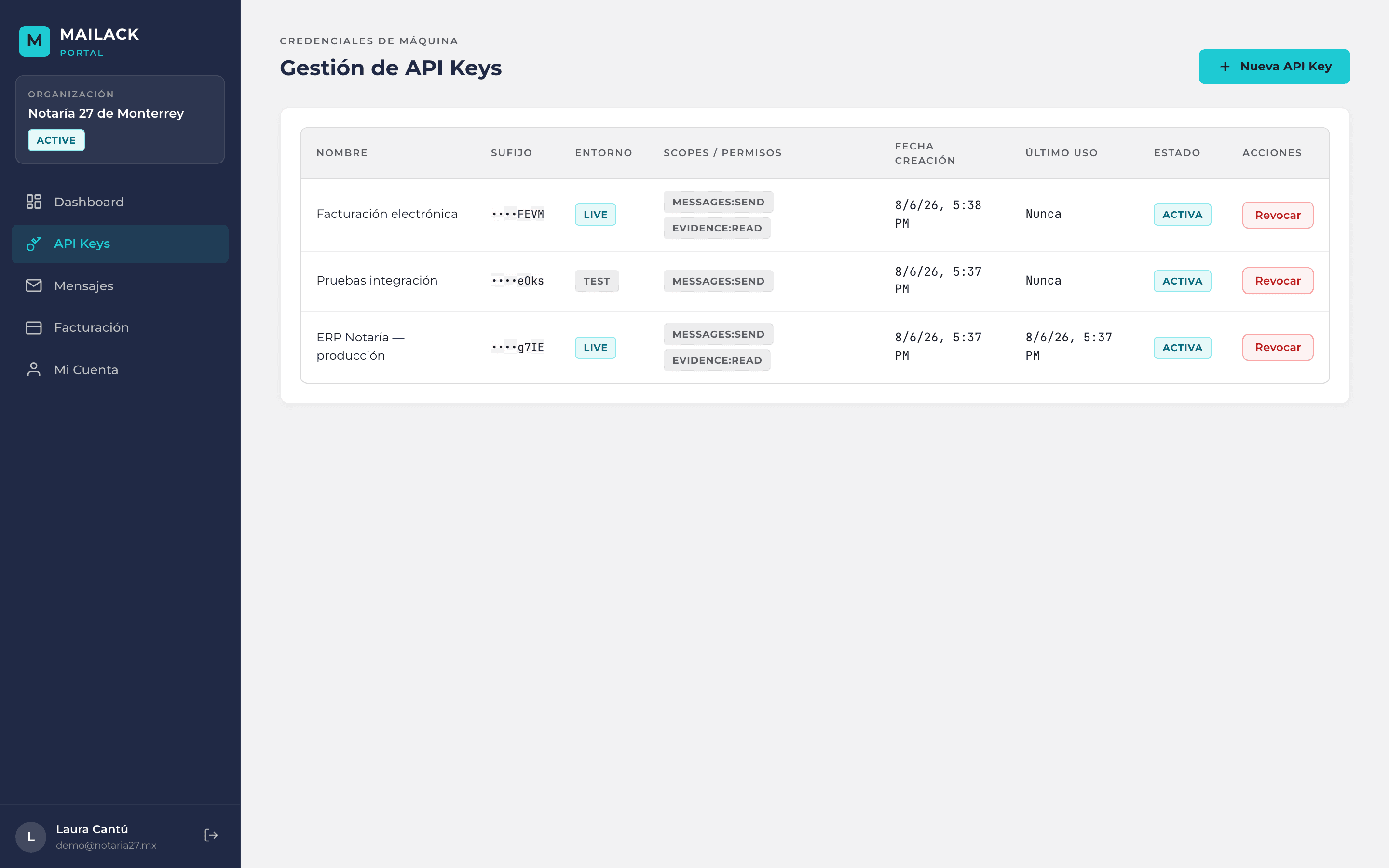
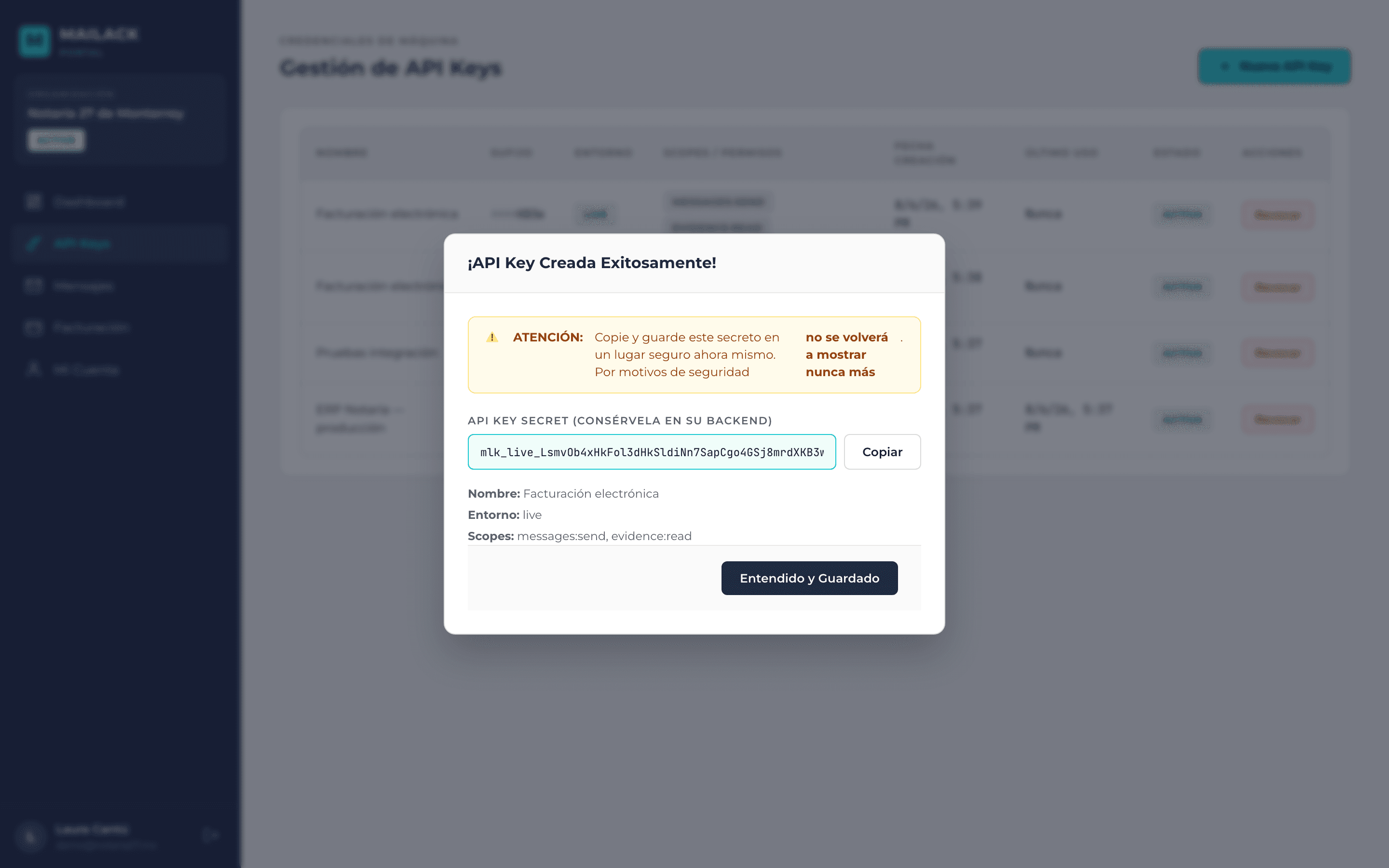
Create your own keys without going through support. Each key is born with the scopes you choose and in the right environment: live for production, test for integration. Revocation is immediate.
messages:sendevidence:readsuppressions:writeapi_keys:writelivetestThe key secret is shown exactly once, at creation. Store it right then: afterwards only the prefix is visible.
- 04messages
Messages and their evidence
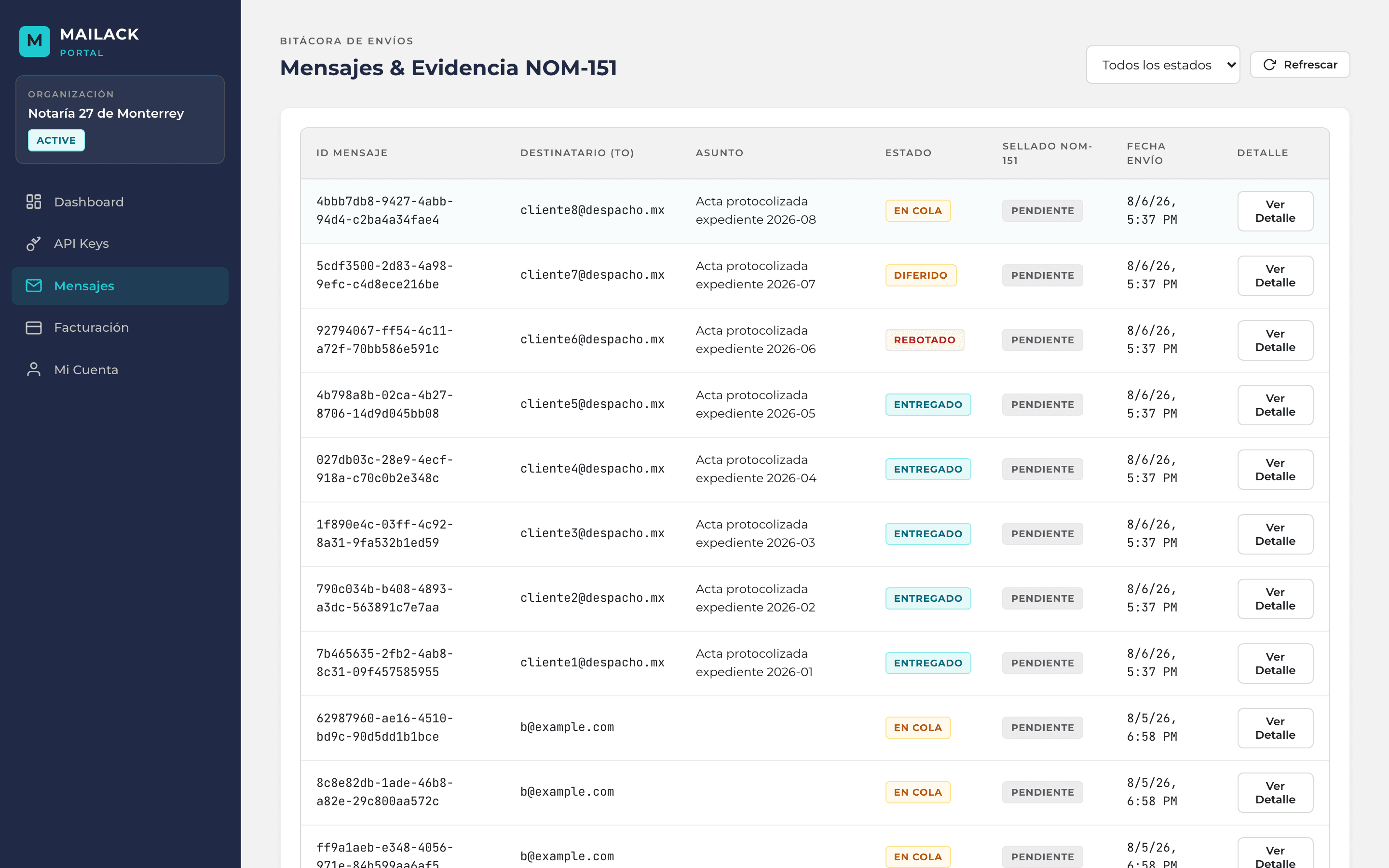
The message list filters by status and date. Each message's detail shows the event timeline and lets you download the evidence and the proof bundle, verifiable at mailack.com/verificar without uploading the file to any server.
queuedsentdeferredbouncedcomplainedsuppressedverificationmailack.com/verificar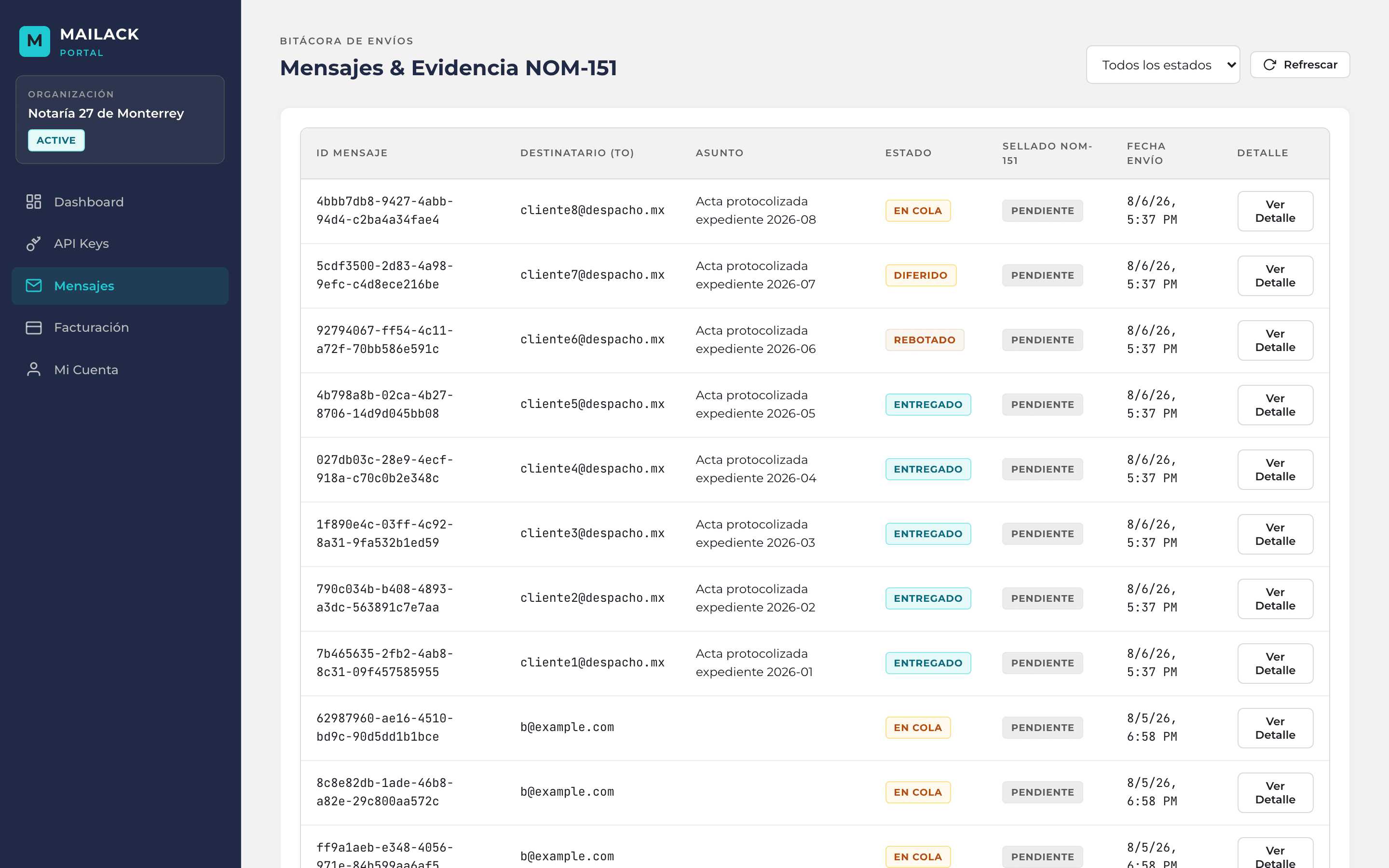
- 05billing
Monthly statement
Every month the portal publishes a statement in MXN: messages sent times their unit price plus the individual certificates requested times theirs. No hidden line items: what you see is what gets billed.
messagesmessages this month × unit pricecertificatesindividual certificates × unit pricecurrencyMXN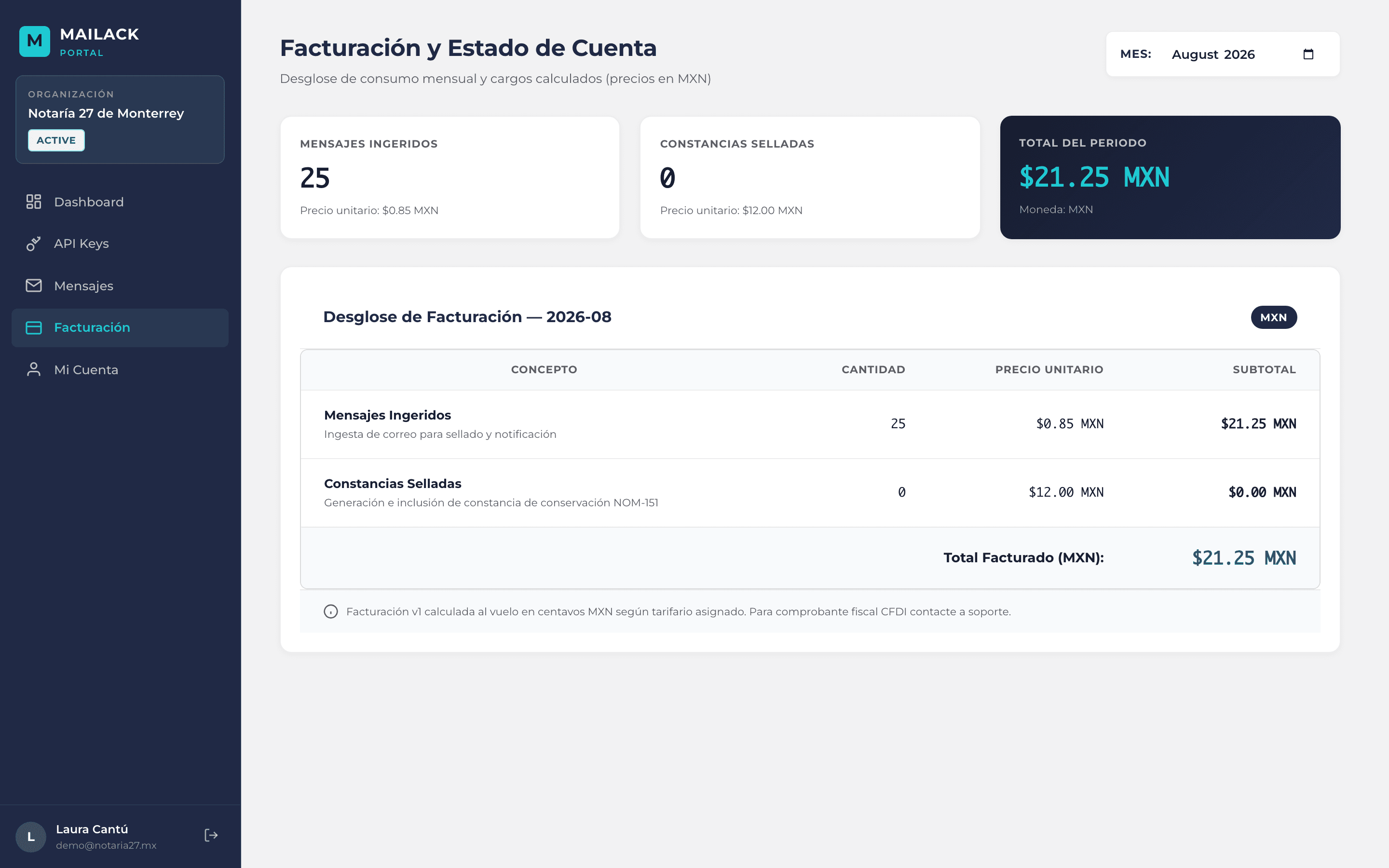
- 06account
Your account
From the account section you can change your password at any time. If you forget it, the portal emails a reset link to your registered address.
Don't have access yet?
Portal onboarding is requested through the contact form. Tell us about your case and we'll set you up with an initial user.